As we move further into 2026, email remains the backbone of our digital communication. However, it is also a primary source of distraction and security risk. When work and personal messages collide, professional boundaries vanish. Important client emails get buried under retail promotions, while your personal time is constantly interrupted by work notifications.
Learning how to separate work and personal emails is a core digital hygiene practice for the modern era. Whether you are a remote professional, a business owner, or a student, a clean separation improves focus, prevents burnout, and significantly enhances your online security.
Table of Contents
- Why You Should Separate Work and Personal Emails
- Common Email Mixing Mistakes to Avoid
- How to Set Up a Dedicated Work Email
- How to Manage Personal Email Properly
- Using Temporary Email Addresses for Sign-Ups
- Email Separation for Better Productivity
- Privacy and Security Benefits
- Tools That Help Separate Emails
- Best Practices to Maintain Email Separation
- Frequently Asked Questions
- Final Thoughts
Why You Should Separate Work and Personal Emails
The primary reason to separate work and personal emails in 2026 is contextual clarity. Each inbox serves a distinct purpose. Work email should facilitate professional growth and deadlines, while personal email is for family, friends, and essential life services.
When you mix the two, you suffer from "context switching." A work message arriving during dinner triggers stress, and a personal notification during a meeting breaks your concentration. Furthermore, compartmentalizing your accounts limits your digital footprint, making it harder for security threats to compromise your entire digital life.
Common Email Mixing Mistakes to Avoid
Avoid these common pitfalls that lead to "Inbox Overload":
- The "Master Address": Using one email for work, social media, and banking.
- Newsletter Clutter: Signing up for industry newsletters using a work email.
- Informal Professionalism: Using a personal email for client communication.
- Ignoring Unsubscribes: Letting "junk" pile up instead of stopping it at the source.
How to Set Up a Dedicated Work Email
Your professional identity starts with your address. Here is how to build a solid foundation:
Choose a Professional Provider
Use reliable services like Google Workspace or Microsoft 365. They offer superior AI-driven spam filtering and professional custom domains.
Use a Standard Format
Stick to firstname.lastname@company.com. It builds immediate trust with colleagues and clients.
Strict Work-Only Policy
Never use this address for social media, streaming services, or random forum sign-ups. This keeps your professional line of communication 100% clean.
How to Manage Personal Email Properly
Your primary personal email should be your "vault." Use it for banking, healthcare, and trusted family contacts.
Internal Organization
Use labels or folders to keep your vault organized:
- Finance: Bank statements and bills.
- Travel: Flight and hotel bookings.
- Personal: Communications with family and friends.
Using Temporary Email Addresses for Sign-Ups
To truly separate work and personal life in 2026, you need a third category: Disposable Emails.
For one-time downloads, forum access, or testing a new app, do not use your real email. Instead, use a temporary address to receive your verification link and let the address expire.
Services like Temp Mail Africa provide instant, anonymous email addresses. This prevents marketing trackers and spam from ever reaching your primary accounts.
Not sure if it's right for you? Check out these resources:
- Is Temporary Email Safe to Use? What You Need to Know
- Temporary Email vs. Real Email: When and Why to Use Each
Email Separation for Better Productivity
When you isolate your emails, you train your brain. Opening your "Work Inbox" signals it's time to focus. Opening your "Personal Inbox" is for life admin. This psychological boundary prevents burnout and ensures that you aren't "always on." Many high-performers now schedule specific blocks of time for each inbox, rather than reacting to every notification.
Privacy and Security Benefits
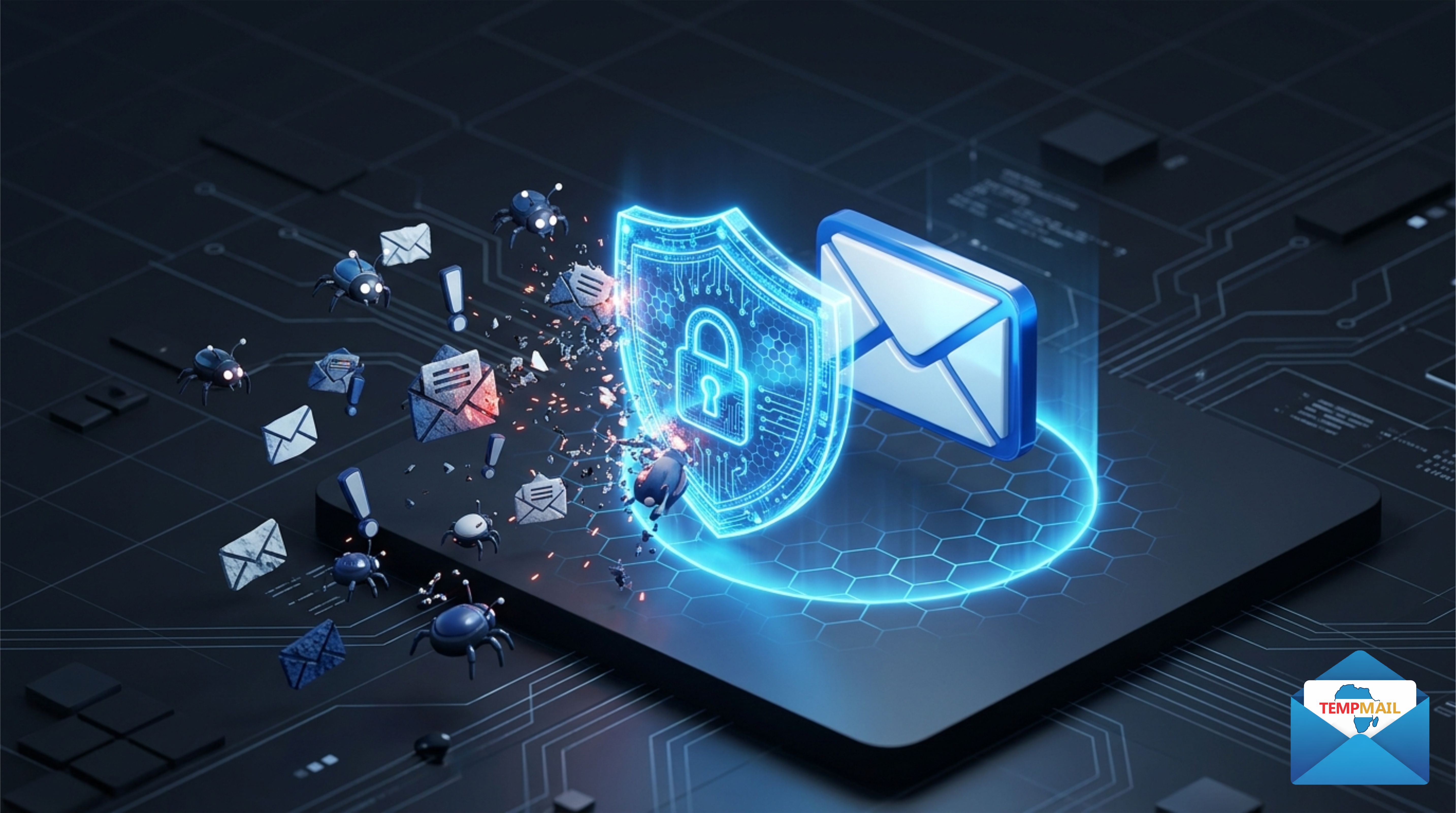
Dividing your digital life creates "compartmentalization." If a low-security website you signed up for gets hacked, your professional identity and bank accounts remain safe because they are linked to different, unpublicized addresses.
Using temporary mail further enhances this. Learn more here:
Tools That Help Separate Emails
- Multi-Account Clients: Use apps like Outlook, Spark, or specialized "Work" browsers to keep accounts visually separate.
- Browser Profiles: Create a "Work" profile in your browser to keep login sessions and cookies isolated.
- Password Managers: Use tools like Bitwarden to track which email is used for which service.
Best Practices to Maintain Email Separation
- Quarterly Audits: Every three months, audit your subscriptions and delete accounts you no longer use.
- Use Aliases: Utilize the "plus" trick for better filtering in your personal vault.
- Keep Inboxes Longer: If you need a temporary address for more than a few minutes, follow these 7 powerful tips for inbox longevity.
- Stop Phishing: Protect your primary addresses with smart spam protection strategies.
Frequently Asked Questions
Should I have separate apps for work and personal email?
Yes. Having different apps for work and personal mail helps you manage notification settings independently and prevents accidental "Reply All" mistakes from the wrong account.
Is it safe to use temporary mail for banking?
No. Always use your primary "personal vault" email for sensitive accounts like banking, insurance, and government services.
How do I create a disposable email quickly?
You can create one in seconds. Follow this guide: How to Create a Disposable Email in 5 Easy Steps.
Final Thoughts
Mastering how to separate work and personal emails is a game-changer for your productivity and digital security in 2026. By establishing a professional work account, a secure personal vault, and utilizing Temp Mail Africa for everything else, you reclaim control over your time and privacy.
Start today: pick one "clutter" source in your work inbox and move it to a temporary or personal account. Your future, more focused self will thank you.
Leave A Comment
Login to participate in the discussion.
Login to Comment