How To Create a Disposable Email Address in 5 Easy Steps (Fast, Safe & Spam-Free)

How to Create a Disposable Email Address: A Simple 2026 Guide for Everyone
In 2026, creating a disposable email address is one of the smartest moves you can make for your digital life. Whether you are signing up for a new app, downloading a "free" guide, or just trying to avoid a flood of marketing spam, a temporary inbox is your best friend. It is a simple tool for privacy, protection, and stress-free browsing.
This guide will walk you through exactly how to create a disposable email address in seconds using clear, everyday language. No technical skills required—just a few clicks to total privacy.
What Is a Disposable Email Address?
A disposable email address is a temporary inbox that you create instantly without a sign-up process. Unlike Gmail or Yahoo, you don't need a password, a phone number, or a long registration form. You simply visit a site like Temp Mail Africa, and a new address is ready for you.
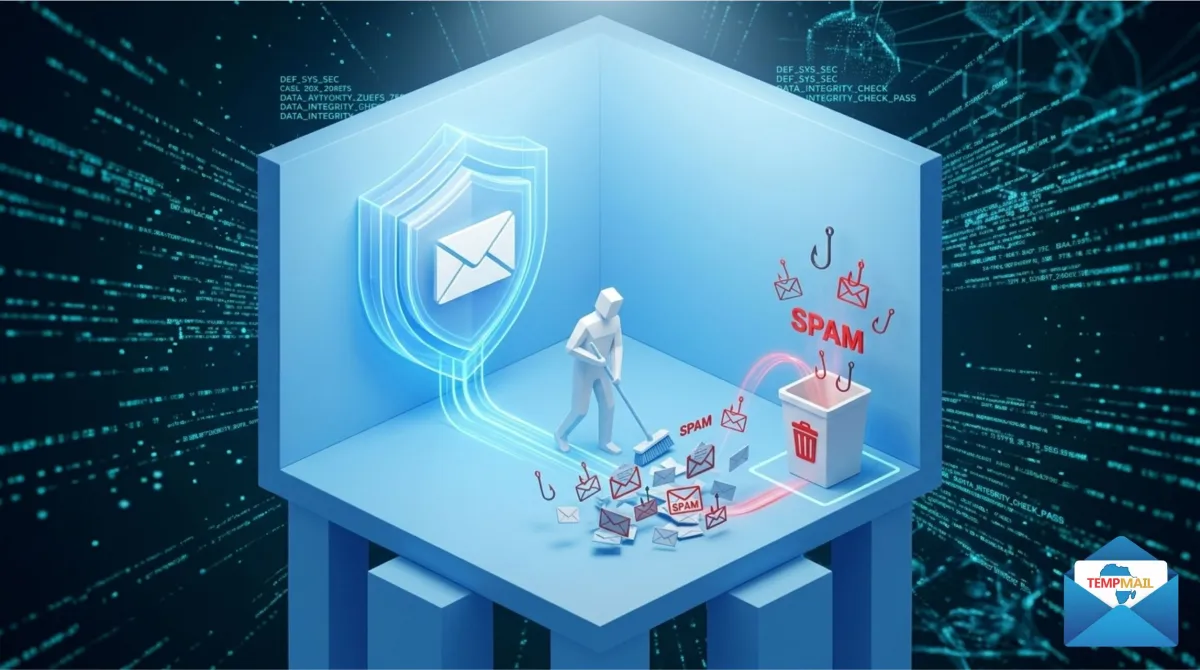
Think of it as a "digital shield." You can use it to receive messages just like a normal email, but once you are done, you can throw it away. For a deeper technical look, you can see how Wikipedia defines disposable email.
Why Do You Need a Temporary Email in 2026?
- Stop Spam: Keep your real inbox 100% clean by diverting marketing junk to a burner account.
- Instant Privacy: Don't let websites track your real identity across the web.
- Speed: Register for forums, apps, or downloads in seconds without filling out forms.
- Security: If a website you use gets hacked, your real email remains safe and unknown.
To learn more about the specific benefits, read our guide on the 7 major benefits of temporary mail.
5 Easy Steps to Create Your Disposable Email Immediately
Follow these steps to generate your first anonymous address right now:
- Step 1: Visit the Website – Open your browser and go to https://temp-mail.africa.
- Step 2: Instant Generation – Your new email address is generated automatically as soon as the page loads.
- Step 3: Copy Your Address – Click the "Copy" button next to the email string.
- Step 4: Use it Anywhere – Paste the email into the registration field of the website or app you are using.
- Step 5: Check Your Inbox – Stay on the Temp Mail Africa page to see your incoming verification code or link appear instantly.
How to Use Your Temporary Inbox
Your temporary inbox works just like a professional mail client. You can read incoming messages, click activation buttons, and copy verification codes. In 2026, our platform updates in real-time, so there is no need to keep clicking the refresh button—your messages pop up the second they are sent.
Choosing a Custom Name for Your Email
Standard temporary emails are usually random strings of letters, but Temp Mail Africa allows you to customize your name. You can choose something professional likejohn.doe@temp-mail.africa or something specific to the task like testing.account@temp-mail.africa. This helps you keep track of multiple disposable identities easily.How Disposable Email Protects Your Identity
In 2026, your email is your "digital fingerprint." When you use a disposable address, you "mask" that fingerprint. Websites cannot link your activity back to your personal life, banking, or social media profiles. This is the foundation of online privacy and security.How Long Does a Temporary Email Last?
A temporary email usually lasts as long as your browser session is active. On our platform, all messages are permanently deleted within 24 hours. This ensures that your private data is never stored on a server indefinitely. If you need more time, follow these 7 tips to keep your temp inbox longer.
Safety Tips: What to Avoid
While disposable email is incredibly safe, there are a few rules to follow:- No Banking: Never use a temporary email for bank accounts or crypto wallets.
- No Important Recovery: Don't use it for your main social media account, as you might need to reset your password later.
- Immediate Action: Use your verification code as soon as it arrives, before the inbox purges.
For more details, see: Is Temporary Email Safe?
Final Thoughts
Creating a disposable email address is the simplest and most effective way to reclaim your privacy in 2026. It stops spam at the source, keeps your personal inbox organized, and lets you explore the web with total freedom.Ready to get started? Generate your first temporary email right now at https://temp-mail.africa and join the millions of users who have moved beyond inbox clutter.
Need a fresh temporary email?
Generate a secure, anonymous email address in seconds.




Leave A Comment